Creating textured materials
To create a textured material you first need to create a texture, add the material type that contains fragment and vertex shaders that support textures, and then assign the texture to that material.
Creating a textured material
To create a textured material:
- Create a texture. See Using single textures.
- Load a material type that supports textures. See Using material types.
For example, load TexturedMaterial or PhongTextured material type.
- Create or use a material which uses a material type that supports textures. See Using materials.
- In the Library > Materials and Textures > Materials select the material.
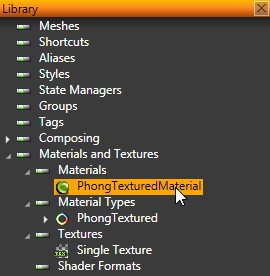
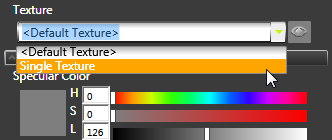
- In the Properties set the Texture property to the texture you want to use in the material.
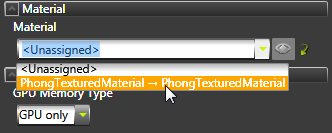
- In the Project select the object on which you want to use the textured material and in the Properties set the Material property to the textured material.
Creating a cubemap textured material
To create a cubemap textured material:
- Create a cubemap texture. See Using cubemap textures.
- Load a material type that supports cubemap textures. See Using material types.
For example, load PhongTexturedCube material.
- Create or use a material which uses a material type that supports cubemap textures. See Using materials.
- In the Library > Materials and Textures > Materials select the material.
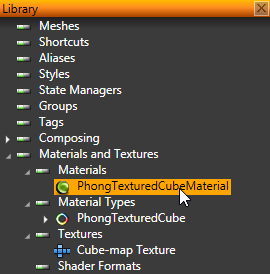
- In the Properties set the TextureCube property to the texture you want to use in the material.
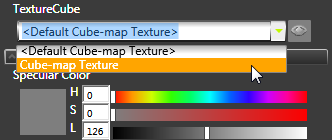
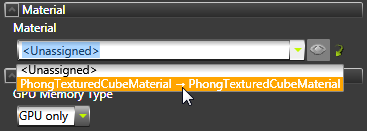
- In the Project select the object on which you want to use the cubemap textured material and in the Properties set the Material property to the cubemap textured material.
See also
Using materials
Using material types
Using single textures
Using cubemap textures
Material types and materials
Open topic with navigation